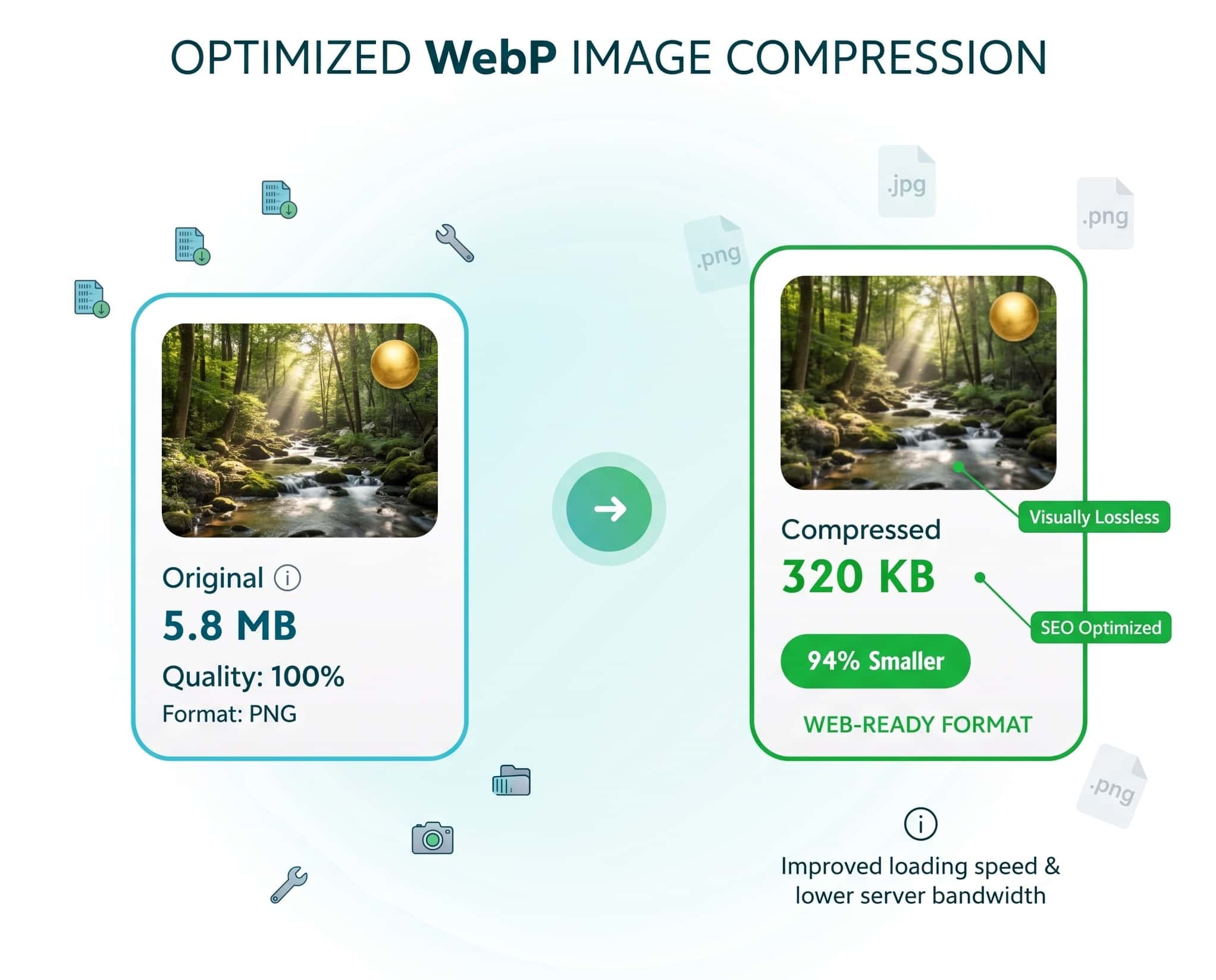
Webp Compressor For Free

Optimize and compress WebP images online with our powerful WebP compressor. Reduce WebP file size by up to 90% while maintaining visual quality. This WebP compression tool processes files locally in your browser.

webp upload

Drag & Drop WebP Images Here

or click to browse your files

Supports up to 10 files (30MB each)

Compression Settings

Smaller file Better quality

Selected Files (0/10)

Preview File Size Action

Compression Results

Webp Compressor

A WebP compressor is a tool that reduces the file size of WebP images without significantly affecting visual quality. You need a WebP compressor to optimize web images for faster loading times, better user experience, and improved SEO. All processing happens in your browser. Your images never leave your computer.

WebP compressor illustration

Benefits of Using Our WebP Compressor

Everything you need to optimize your WebP images

webp compressor quick

Lightning Fast

Compressed WebP files load faster, improving user experience and SEO rankings. Our WebP compressor helps achieve optimal loading speeds by significantly reducing WebP file size.

webp Compress privacy

Secure WebP Compression

All WebP compression happens locally in your browser. Your WebP files never leave your computer, ensuring complete privacy when using our WebP compressor.

webp compressor

Advanced Compression Controls

Fine-tune your WebP compression settings with our tool. Adjust quality, dimensions, and compression method for optimal WebP file size reduction.

webp Compress batch

Batch WebP Processing

Upload and compress up to 10 WebP files simultaneously with our WebP compressor. Save time when optimizing multiple WebP images for your website.

webp compressor quick

Mobile Friendly

Reduced WebP file sizes mean less data usage on mobile devices. Our WebP compressor optimizes images for all screen sizes and connection speeds.

webp Compress

100% Free

No watermarks, no subscriptions, no hidden costs. Free forever.

Complete Guide to WebP Compressor Technology

Learn how our advanced compression technology optimizes images for faster web performance without compromising quality.

Superior Format

Makes WebP Superior for Web Images

WebP is a modern image format developed by Google that provides superior compression compared to older formats like JPEG and PNG. When you use a WebP compressor like ours, you're taking advantage of advanced compression algorithms that can reduce file size by 25-35% compared to JPEG at similar quality levels.

Key Advantage

Smaller files with equal or better quality compared to JPEG and PNG.

Performance Benefit

Faster page loads leading to better SEO rankings and user experience.

Website Performance

The Importance of Regular Image Optimization

Regularly compressing WebP images with a reliable WebP compressor should be part of every website maintenance routine. Unoptimized images can significantly slow down your website, leading to higher bounce rates and lower search engine rankings. Our WebP compressor makes this optimization process quick and effortless.

Without Optimization

Slow loading, poor user experience, lower SEO rankings

Process Breakdown

How Our WebP Compress Tool Works

Our webp compress tool utilizes advanced algorithms to optimize your images. When you use our webp compress solution, here's what happens:

  1. Image Analysis: Our webp compress tool examines each image's characteristics
  2. Optimal Compression: The webp compress algorithm determines the best compression settings
  3. Format Conversion: Images undergo webp compress conversion to WebP format
  1. Quality Preservation: Our webp compress maintains visual quality while reducing size
  2. Results Delivery: You receive webp compress files ready for download
Selection Guide

Choosing the Right WebP Compressor

When selecting a WebP compressor, consider these factors:

  • Compression efficiency - How much size reduction can the WebP compressor achieve?
  • Quality preservation - Does the WebP compressor maintain visual integrity?
  • Processing speed - How quickly does the WebP compressor work?
  • Ease of use - Is the WebP compressor interface intuitive?
  • Privacy features - Does the WebP compressor protect your data?

Our WebP compressor excels in all these areas, providing an optimal balance of performance, quality, and user experience.

Expert Tips

Advanced WebP Compression Settings

For optimal results with any WebP compressor, consider these expert tips:

  • For photographs, use lossy compression with 75-85% quality setting
  • For graphics with transparency, use lossless compression
  • Resize images to their display dimensions before compression
  • Remove unnecessary metadata to further reduce file size
  • Test different compression levels to find the perfect balance

Beyond basic webp compress, several advanced techniques can enhance results:

WebP Compress Technique Description Benefit
Lossy WebP Compress Removes some image data during webp compress Maximum file reduction (25-35% smaller than JPEG)
Lossless WebP Compress Preserves all image data during webp compress 26% smaller than PNG with perfect quality
Alpha Channel WebP Compress Special webp compress for transparent images Excellent transparency with compression
Animation WebP Compress Webp compress for animated images 64% smaller than GIF animations
Lossy WebP Compress
Description
Removes some image data during webp compress
Benefit
Maximum file reduction
(25-35% smaller than JPEG)
Lossless WebP Compress
Description
Preserves all image data during webp compress
Benefit
26% smaller than PNG
with perfect quality
Alpha Channel WebP Compress
Description
Special webp compress for transparent images
Benefit
Excellent transparency
with compression
Animation WebP Compress
Description
Webp compress for animated images
Benefit
64% smaller than GIF
animations
Workflow Integration

WebP Compressor Integration Strategies

Integrating WebP compression into your workflow is essential for modern web development. Our WebP compressor can be part of a comprehensive optimization strategy that includes:

Pre-launch Optimization

Optimize all images before website launch

Performance Monitoring

Track improvements over time

Automated Pipelines

Set up automated compression workflows

Regular Audits

Check existing WebP files periodically

Future Outlook

The Future of WebP Compression

As web technologies evolve, WebP compression continues to improve. Future versions of WebP and emerging formats like AVIF promise even better compression ratios. However, WebP remains the most widely supported modern image format, making a reliable WebP compressor an essential tool for web developers and content creators.

Continued Relevance

With over 96% browser support globally, WebP is the current standard for web image optimization, ensuring your investment in a quality WebP compressor will pay off for years to come.

Pro Tip

For maximum website performance, combine our WebP compressor with other optimization techniques like lazy loading, responsive images, and proper caching strategies. This comprehensive approach ensures your website loads quickly on all devices and connections.

WebP compressor benefits illustration

Why Use Our WebP Compressor?

Faster Website Loading

Smaller image files mean your web pages load faster, improving user experience and SEO rankings.

Bandwidth Savings

Reduce bandwidth costs and server load by serving optimized WebP images to your visitors.

Superior Format

WebP provides better compression than JPEG and PNG while maintaining high visual quality.

Modern Browser Support

All modern browsers support WebP, making it the ideal choice for web images.

How It Works

Compress your WebP images in just 3 easy steps

1

Upload Your WebP Images

Drag and drop your WebP files into the upload area or click to browse your computer. You can upload multiple images at once.

2

Automatic Compression

Our tool will analyze and optimize your images using advanced algorithms to reduce file size while preserving quality.

3

Download Optimized Files

Preview the results, then download your compressed WebP images with a single click. All original filenames are preserved.

Frequently Asked Questions

Find answers to common questions about WebP compression

WebP is a modern image format developed by Google that provides superior lossless and lossy compression for images on the web. WebP images are significantly smaller than JPEG and PNG files with equivalent quality, resulting in faster page loads and reduced bandwidth usage.

Absolutely! Our WebP compressor works entirely in your browser. Your images are never uploaded to any server - all processing happens locally on your device. This ensures maximum privacy and security for your files.

The amount of compression depends on the original image quality and content. Typically, you can expect 20-50% further reduction in file size without noticeable quality loss. Our tool lets you preview the results before downloading.

This tool is specifically designed for WebP optimization. However, we're working on adding support for other formats like JPEG and PNG in future updates. For now, we recommend converting other image formats to WebP first for the best compression results.

Since processing happens in your browser, the limits depend on your device's memory. Most modern computers and smartphones can handle multiple images up to 30MB each without issues. For very large images, we recommend compressing them one at a time.